

Download Audio Editing Tool - Music Effects Studio – audio editor, music effects, sound editing, AI audio tool, voice separation, audio recording, music production, audio enhancement
Overview
Audio Editing Tool - Music Effects Studio is a versatile mobile application designed to empower users with professional-grade audio editing capabilities directly from their smartphones. Targeted at both amateur creators and experienced audio enthusiasts, the app offers a streamlined environment for recording, editing, and enhancing audio content. Its core purpose lies in simplifying complex audio workflows through an intuitive interface and intelligent features, making it accessible to users regardless of technical background.
The app addresses common pain points such as limited access to editing tools on mobile devices, poor audio quality during recording, and the difficulty of isolating vocals or instruments from mixed tracks. Real-world use cases include podcasters enhancing voice clarity, musicians remixing tracks, content creators adding sound effects to videos, and students recording lectures for later review. By integrating AI-powered tools, the app introduces a new level of accessibility to advanced audio processing.
The developer, AudioTools Inc., appears to focus on delivering efficient, lightweight solutions for on-the-go audio manipulation. While specific company details were not provided, the app’s consistent release cycle and feature updates suggest a dedicated development team. In the broader mobile app ecosystem, Audio Editing Tool - Music Effects Studio fills a niche for high-quality, free audio tools on Android, offering a compelling alternative to desktop-based software.
Key Features & Functionality
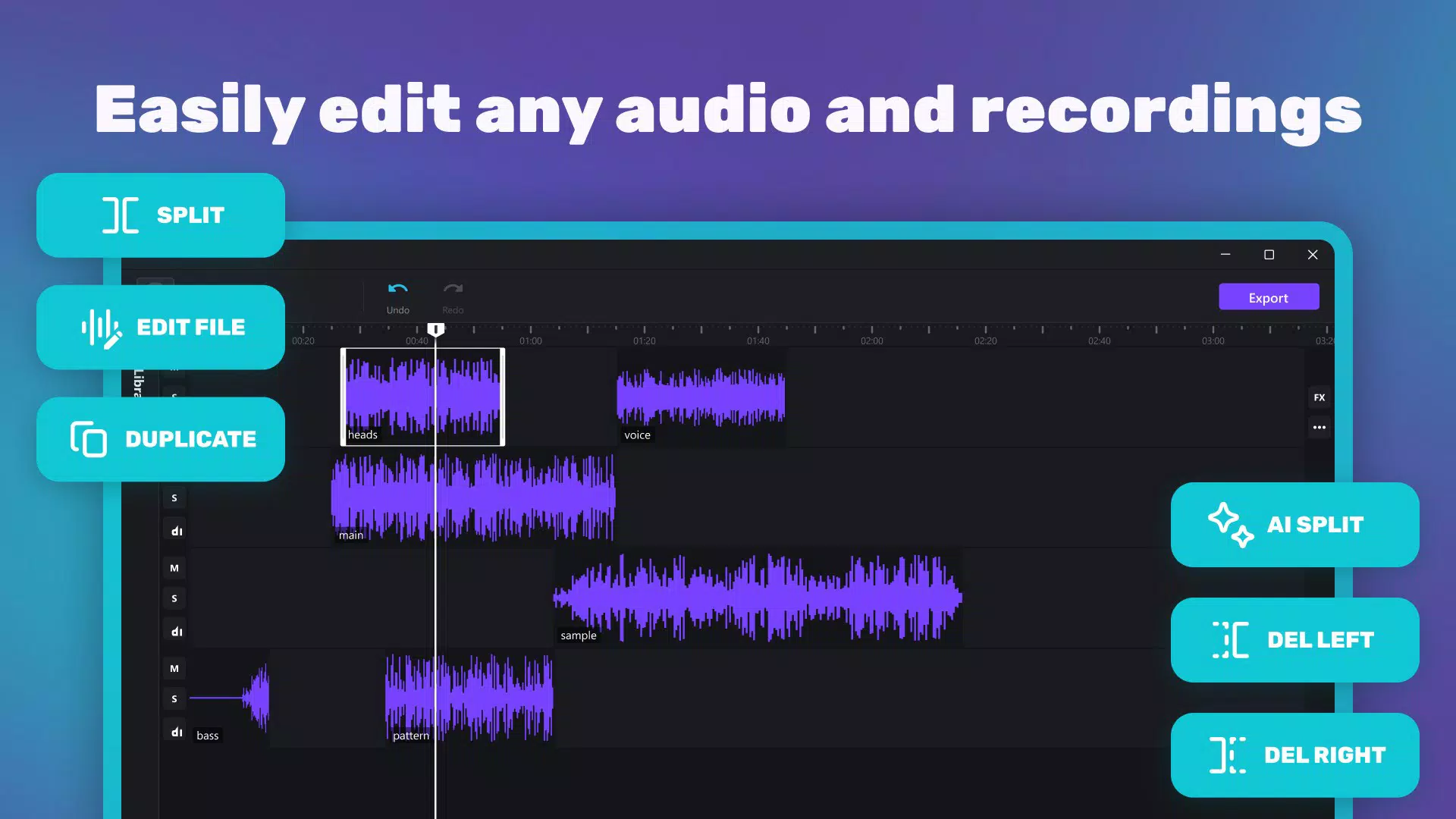
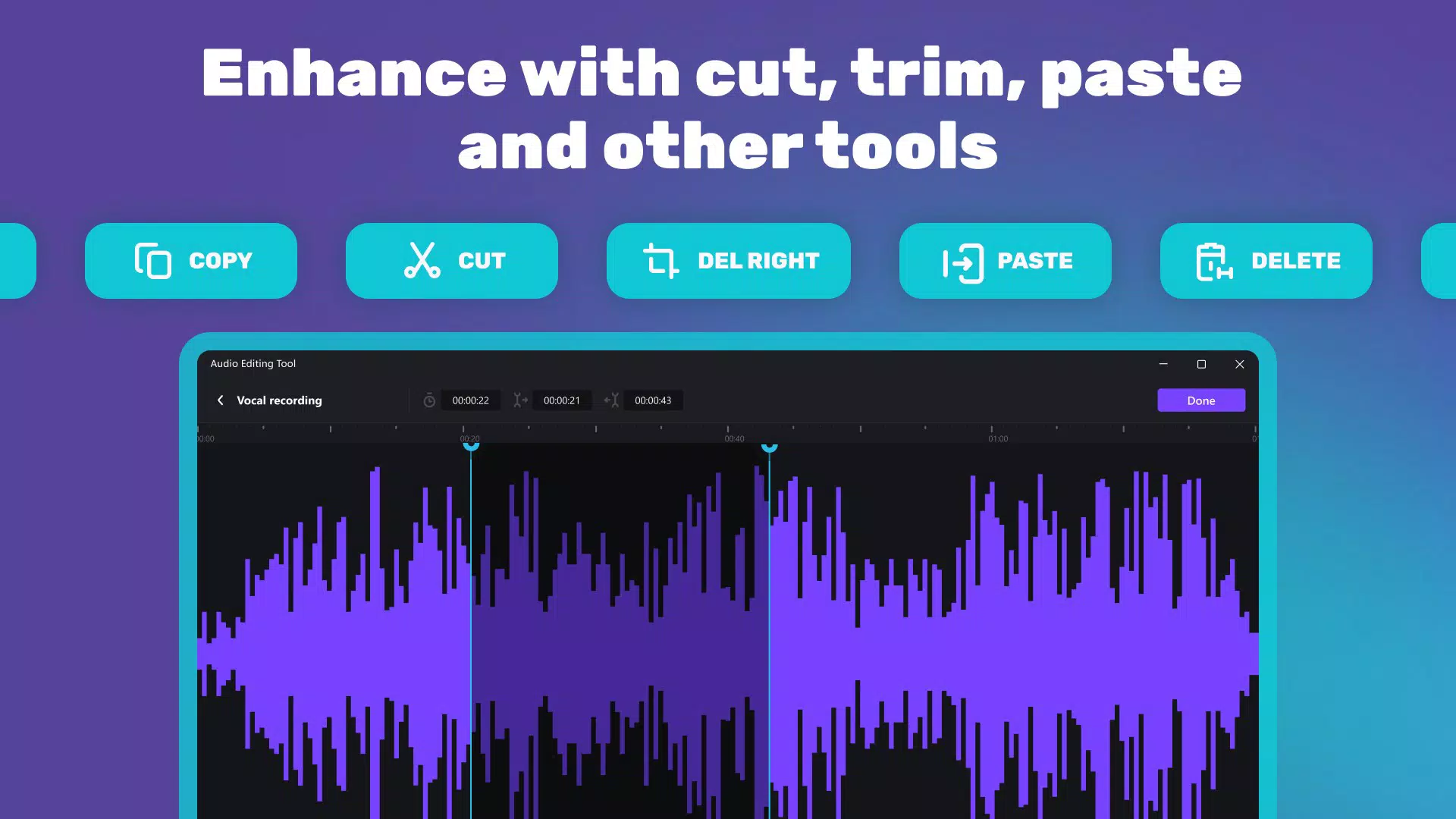
- Intuitive Editing Tools: The app includes essential functions such as cut, copy, paste, and reverse, enabling users to manipulate audio segments with precision. These tools are particularly useful for trimming long recordings, rearranging sections of music, or fixing mistakes in voiceovers. The channel editing feature allows independent adjustment of left and right audio channels, ideal for stereo balancing or creating custom stereo effects.
- AI-Enhanced Capabilities: Leveraging artificial intelligence, the app enables accurate vocal and music separation. This feature allows users to isolate vocals from instrumental tracks or extract background music from a song, which is especially valuable for remixing, karaoke creation, or extracting stems for further production.
- Multi-Format Support: Users can import and export audio in multiple formats, including .wav and .m4a. This flexibility ensures compatibility with various platforms and devices, facilitating smooth sharing across social media, video editing software, or cloud storage services.
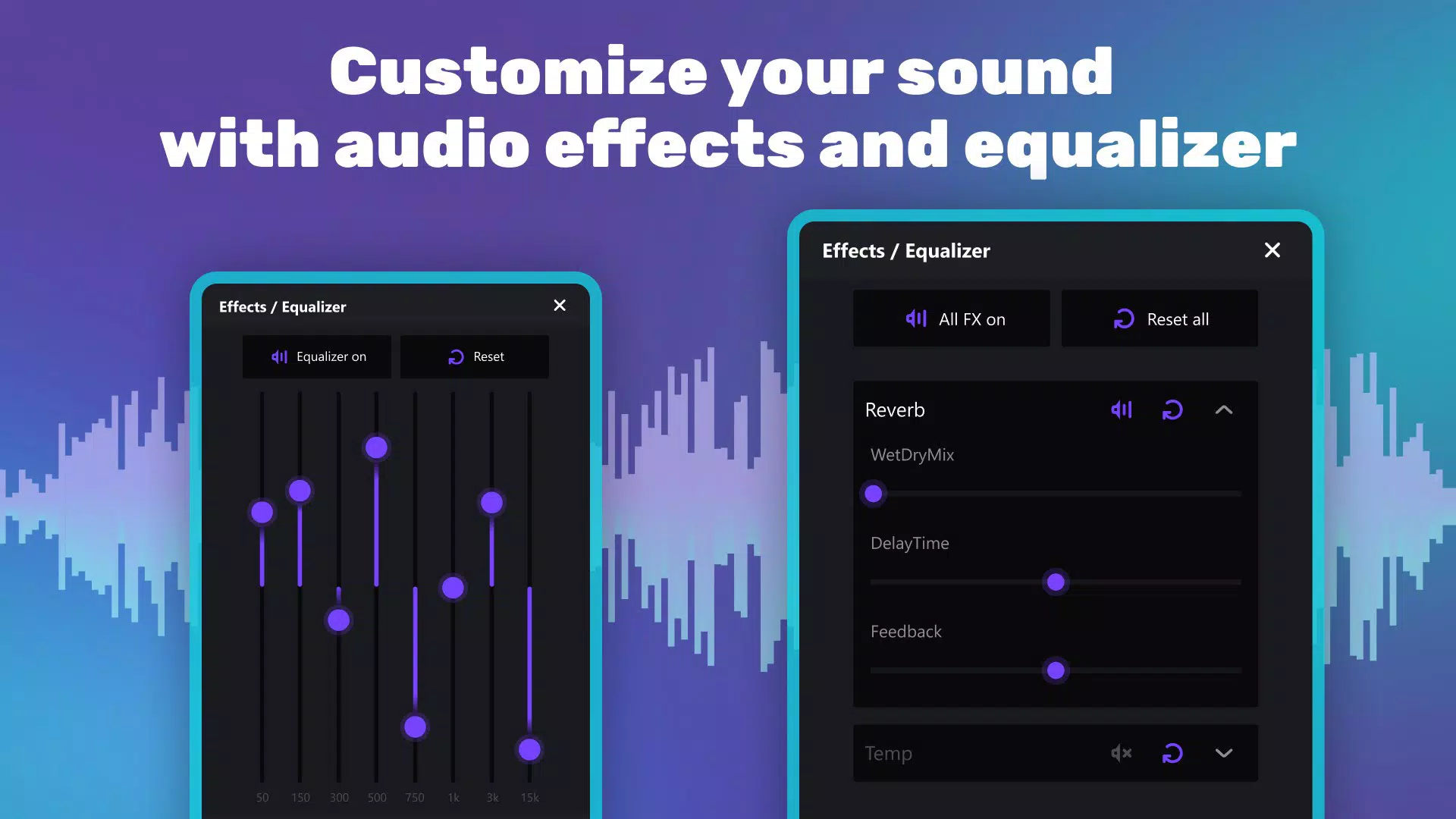
- Various Sound Effects: A range of customizable audio effects such as pitch shift, reverb, and delay are available. These tools let users creatively enhance tracks, adding depth and atmosphere to voice recordings, music compositions, or soundscapes.
- Smooth Audio Recording: The app supports high-quality audio capture with continuous recording functionality, even when the screen is off or the device is in the background. This ensures that users can record uninterrupted sessions, such as live performances, interviews, or spontaneous ideas, without interruptions.
Each feature is designed to serve real-world needs, from podcasters cleaning up voice recordings to musicians experimenting with sound design. The combination of AI and traditional editing tools creates a powerful yet approachable workflow.
Interface, UX & Performance
The user interface of Audio Editing Tool - Music Effects Studio is designed with clarity and efficiency in mind. The layout organizes tools into logical sections, with a central waveform display that visually represents the audio file, making editing tasks intuitive. Navigation is straightforward, allowing users to switch between recording, editing, and effects panels with minimal effort.
The visual style is clean and modern, minimizing clutter while maintaining access to essential functions. Although the developer did not list formal performance metrics, the app’s 42 MB size suggests a lightweight footprint, which typically correlates with efficient resource usage. It is expected to run smoothly on mid-to-high-end Android devices, though performance on older models may vary.
Responsiveness appears to be well-optimized, with minimal lag during playback and editing operations. Stability during long recording sessions is a critical factor, and the app’s ability to record in the background indicates a solid underlying architecture. While specific data on battery consumption or memory usage was not disclosed, the app’s focus on continuous recording suggests efficient background processing.
Overall, the UX prioritizes usability without sacrificing functionality, making it suitable for both quick edits and in-depth audio projects.
Platform Compatibility & Technical Requirements
Audio Editing Tool - Music Effects Studio is available exclusively on the Android platform. The current version is 2.1.4, with a file size of 42 MB, indicating a compact and efficient installation. While the developer did not specify minimum OS requirements, the app is likely compatible with Android 6.0 (Marshmallow) and later, based on common industry standards for similar applications.
However, specific compatibility details were not provided, so users should verify system requirements directly through the Google Play Store. The app is free to download and install, with no in-app purchases or subscription models disclosed. As no iOS version was mentioned, users on Apple devices will not be able to access this app.
The absence of information regarding hardware-specific requirements means that performance may vary across devices with different processors, RAM, or storage configurations. The developer did not provide additional technical details about supported audio bitrates, sample rates, or recording formats beyond .wav and .m4a.
Pros and Cons
Pros
- Free to download and use with no hidden costs
- Compact file size of 42 MB, suitable for devices with limited storage
- Intuitive interface designed for both beginners and experienced users
- AI-powered vocal and music separation for advanced audio manipulation
- Supports continuous recording even when the screen is off
- Exports audio in multiple formats including .wav and .m4a
Cons
- Platform availability limited to Android only
- Specific OS requirements were not listed
- Compatibility with older or low-end devices was not confirmed
- No information on real-time audio processing or latency
- Developer did not provide details on battery usage or background performance
FAQ
Is Audio Editing Tool - Music Effects Studio safe to download?
Yes, the app is available through official Android channels and is free from known malware. Users should always download from trusted sources such as the Google Play Store to ensure security.
Can I use this app on iOS devices?
Currently, the app is only available for Android. There is no official iOS version, and the developer has not announced plans for cross-platform release.
Does the app require an internet connection?
No, the app functions entirely offline. All editing, recording, and AI processing are performed locally on the device, ensuring privacy and uninterrupted use.
How often is the app updated?
The app was last updated on March 21, 2025. While regular updates are common for active apps, the developer did not specify a fixed update schedule.
Can I export my projects to other apps?
Yes, the app supports exporting audio in widely compatible formats such as .wav and .m4a, which can be imported into video editors, music production software, or shared across platforms.
Final Thoughts
Audio Editing Tool - Music Effects Studio stands out as a powerful, accessible solution for mobile audio editing on Android. Its blend of intuitive tools and AI-driven capabilities makes it a valuable asset for creators who need flexibility and precision without the complexity of desktop software. Whether you're a podcaster refining voice clarity, a musician isolating vocals, or a content creator enhancing soundtracks, this app delivers a robust feature set in a compact, free package.
The ability to record continuously and export in multiple formats adds significant practical value. While platform limitations and missing technical details prevent universal appeal, its strengths in usability, performance, and functionality make it a top contender in the mobile audio editing space. For Android users seeking a reliable, no-cost tool for music production, sound editing, and audio enhancement, this app is highly recommended.
Download Audio Editing Tool - Music Effects Studio now


